Keyboard shortcuts
Every keyboard and mouse shortcut in the editor, grouped as the editor lists them. This page is generated from the editor itself.
Last updated Oct 26, 2026
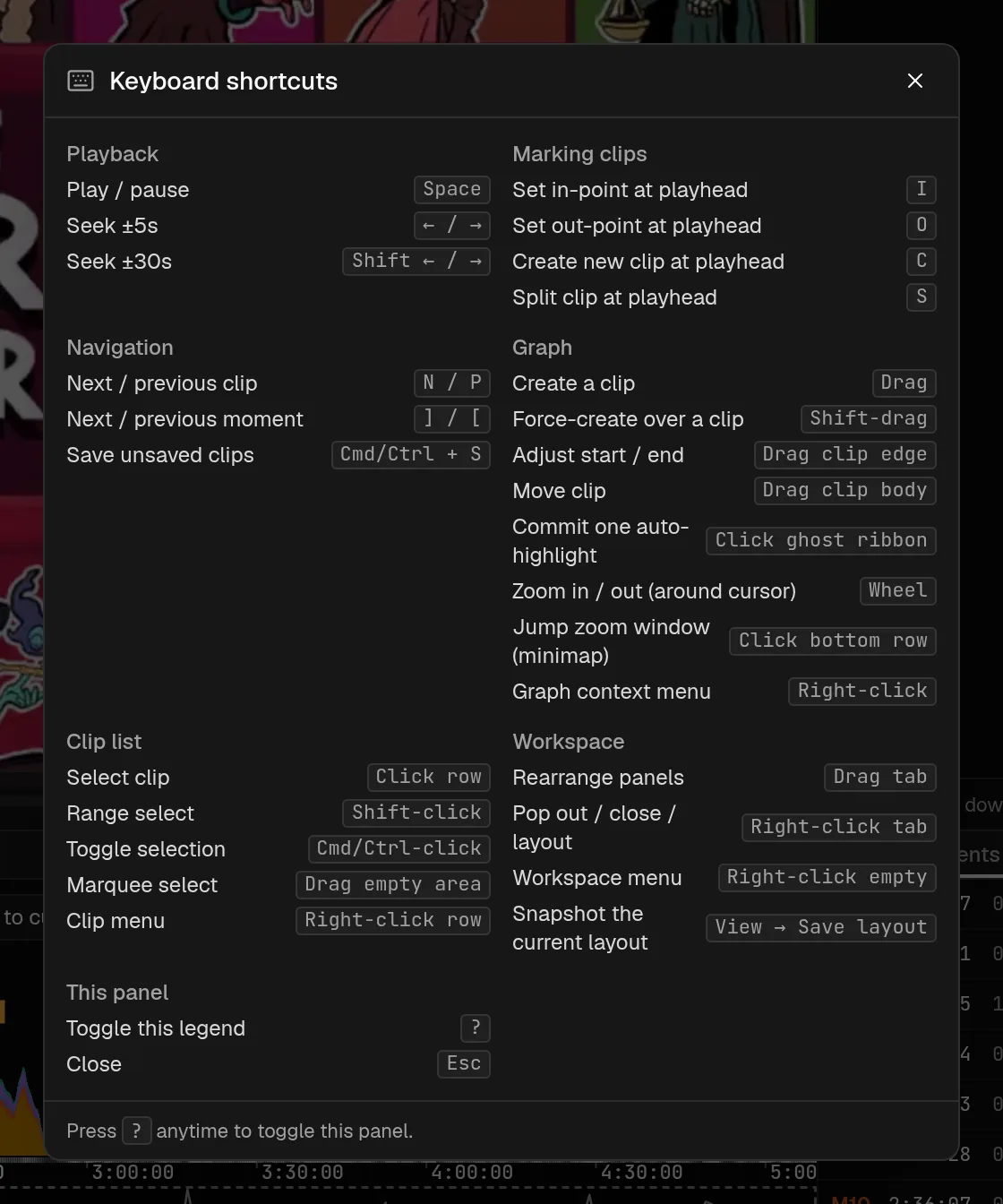
These are the shortcuts the editor lists, in the same groups. Press ? anywhere in the editor to open the same list in a window, and Esc to close it.
Playback
| Keys | What it does |
|---|---|
Space | Play / pause |
Left / Right | Seek ±5s |
Shift Left / Right | Seek ±30s |
Marking clips
| Keys | What it does |
|---|---|
I | Set in-point at playhead |
O | Set out-point at playhead |
C | Create new clip at playhead |
S | Split clip at playhead |
Navigation
| Keys | What it does |
|---|---|
N / P | Next / previous clip |
] / [ | Next / previous moment |
Cmd/Ctrl + S | Save unsaved clips |
Graph
| Keys | What it does |
|---|---|
Drag | Create a clip |
Shift-drag | Force-create over a clip |
Drag clip edge | Adjust start / end |
Drag clip body | Move clip |
Click ghost ribbon | Commit one auto-highlight |
Wheel | Zoom in / out (around cursor) |
Click bottom row | Jump zoom window (minimap) |
Right-click | Graph context menu |
Clip list
| Keys | What it does |
|---|---|
Click row | Select clip |
Shift-click | Range select |
Cmd/Ctrl-click | Toggle selection |
Drag empty area | Marquee select |
Right-click row | Clip menu |
Workspace
| Keys | What it does |
|---|---|
Drag tab | Rearrange panels |
Right-click tab | Pop out / close / layout |
Right-click empty | Workspace menu |
View > Save layout | Snapshot the current layout |
Anywhere in the app
| Keys | What it does |
|---|---|
? | Toggle keybinds modal (editor only) |
Esc | Close most popovers |
Seek distances are the defaults, 5 and 30 seconds. Change them under Seek steps in the editor settings. The Player page covers the video controls, and Clips covers marking and trimming.
VoD sync finder
Free tool that finds Twitch VoDs overlapping a VoD you pick, shows each offset, and downloads a sync timeline. Needs Twitch sign-in, 50 lookups a day.
Troubleshooting and FAQ
Fixes for common problems and the message the app shows for each: late chat, expired VoDs, video that will not play, failed renders, quota limits.