VoD sync finder
Free tool that finds Twitch VoDs overlapping a VoD you pick, shows each offset, and downloads a sync timeline. Needs Twitch sign-in, 50 lookups a day.
Last updated Oct 26, 2026
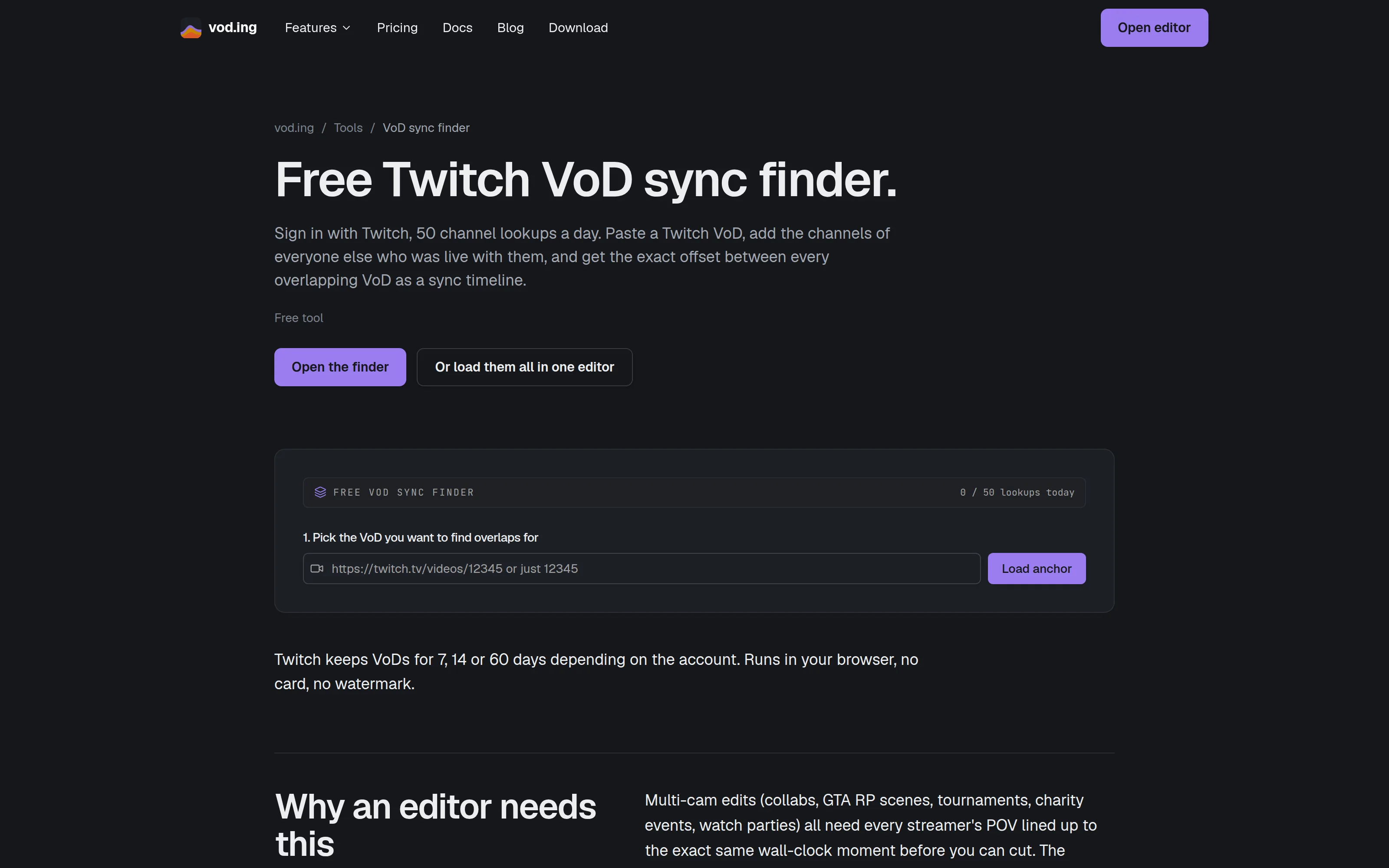
The VoD sync finder works out which other streamers' VoDs overlapped a VoD you pick, and by how many seconds each started apart. It runs in your browser at vod.ing/free-vod-sync, needs no plan, and ends in a timeline file for DaVinci Resolve.
What you need
- A Twitch sign-in.
- A VoD that Twitch still has. Twitch deletes VoDs after 7 to 60 days, and the tool says so if it cannot find one.
The limit
You get 50 lookups a day. Each channel you add is one lookup. The counter belongs to your Twitch account, resets at midnight UTC, and shows as lookups today at the top. A lookup is counted before Twitch is asked, so one that fails still counts. When you run out, the Add channel button is disabled, and a lookup that is refused says Daily limit reached.
Find overlapping VoDs
- Pick the anchor. Under
1. Pick the VoD you want to find overlaps for, type the VoD's number, or its address on twitch.tv, and selectLoad anchor. The streamer, title, start time and length appear. - Add channels. Under
2. Add other streamers' channels, type the Twitch username of someone who streamed at the same time and selectAdd channel. Do this for each streamer. A channel can be added once per session. - Review the list. Under
3. Overlapping VoDs, each match shows the streamer, the VoD, its start time and length,overlapin time, the share of the anchor it covers, andoffsetin seconds from the anchor's start.
The tool checks each channel's last 100 broadcasts. If none overlaps, it says so, and that they may have streamed at another time or the VoD may have expired. It compares the start times Twitch records, so no video is read.
Choose what goes in
Every match starts ticked. Untick Include in timeline export to leave one out, or select the Remove button to drop it from the list.
Download the sync timeline
Select Download sync timeline. The file is an FCPXML named sync_ followed by the anchor's login and VoD number. It has one track for the anchor and one for each ticked match, placed at their offsets.
The file points to your VoD files by name, such as the streamer's login, a dash and the VoD number followed by .mp4. Download each VoD, put the files next to the timeline, or relink them in your editor. It is built for DaVinci Resolve 19 or newer.
Load them in the editor instead
Or load them all in our editor opens the anchor and the ticked matches together in the editor. That is the multistream sync editor, which needs a plan. To find overlaps from inside your library, see Finding overlapping VoDs.
Free chat overlay renderer
Render up to three minutes of a public Twitch VoD's chat as an MP4 or a transparent MOV in your browser. Needs Twitch sign-in, 10 renders a day.
Keyboard shortcuts
Every keyboard and mouse shortcut in the editor, grouped as the editor lists them. This page is generated from the editor itself.