Native Twitch Clips
Twitch's built-in clip tool is the simplest path: open a VoD, find the moment, click "Clip". You get a 60-second clip and a shareable URL. No download, no edit.
The limitations: 60 seconds maximum, no chat overlay, no precise frame control, no export to a file you own. Good for sharing a moment on social media; bad for cutting a YouTube highlight reel.
TwitchDownloader (GUI and CLI)
TwitchDownloader is the desktop standard. Downloads VoDs and chat, renders chat overlays, exports MP4. The GUI is Windows-first; the CLI works on macOS and Linux.
Strengths: handles chat. Free, open-source, actively maintained. Weaknesses: every operation runs locally. Pulling a 30 GB VoD ties up your bandwidth and disk; rendering a chat overlay ties up your CPU for the duration of the render.
yt-dlp + ffmpeg
The command-line composer's setup: yt-dlp to pull the VoD, ffmpeg to trim and re-encode. Maximum flexibility, zero opinionated workflow. Good for batch jobs and automation.
No chat support unless you also pull chat via a separate tool (TwitchDownloader CLI works fine for chat-only fetches). No graph, no preview, no visual editing.
Browser-based editors
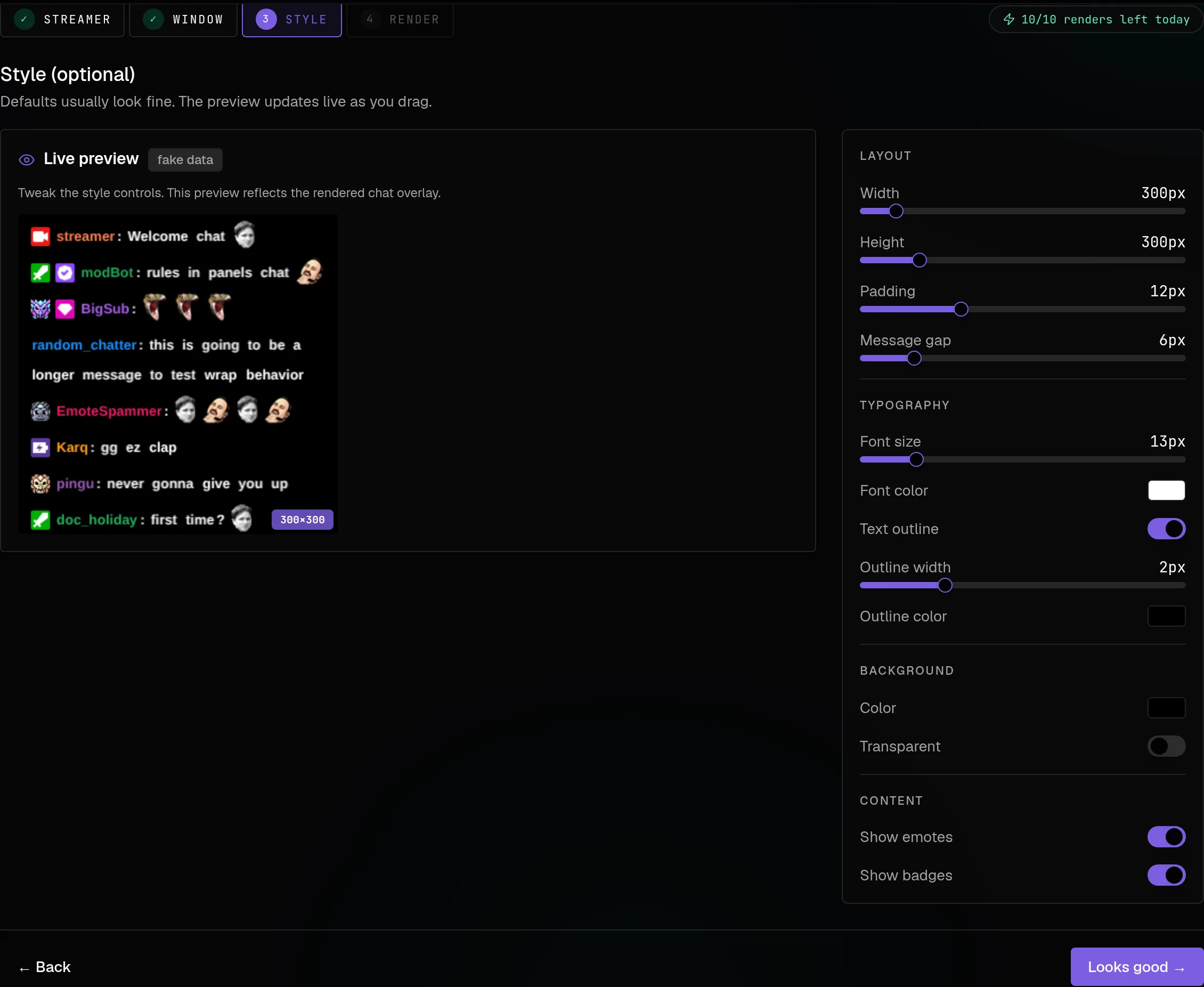
Several tools in 2026 run the entire editing workflow in a browser: pick a VoD, get a chat-activity graph, bracket clips, render server-side, download the result. The free tier is usually limited (this site's free tools allow 10 chat renders a day), enough to evaluate the workflow. Beyond that, clip creation and server-side rendering are on every paid plan.
Strengths: no downloads, no CPU work on your machine, chat-activity graph for spotting moments. Weaknesses: you depend on a third party hosting the source; the free tier limits matter if you edit at volume.
How to pick
Editing one or two clips a week as a hobby: native Twitch Clips, optionally TwitchDownloader for a chat overlay. Editing a stream's full backlog: TwitchDownloader CLI scripted, or a browser editor with a paid tier. Editing collab content: a browser editor that supports multistream sync (most desktop tools do not).
The "free" trap
Free tools have a real cost in time. A workflow that requires a 25-minute download before every edit, plus a 10-minute chat overlay render, is paying with your evening. For occasional clips this is fine. For five clips a day, three months in, the math is different.
The free-but-time-expensive tools are the right answer for the right user. They are the wrong answer for someone editing at scale. If that is you, start with how to find highlights from chat activity, which is the workflow the browser editors are built around.